Share a link.
Fill your week.
A booking page on your own URL, showing the hours you actually keep, with the video call already attached to every booking.
Every confirmed booking comes with its own call room. There is no separate meeting link to make, paste, or lose.
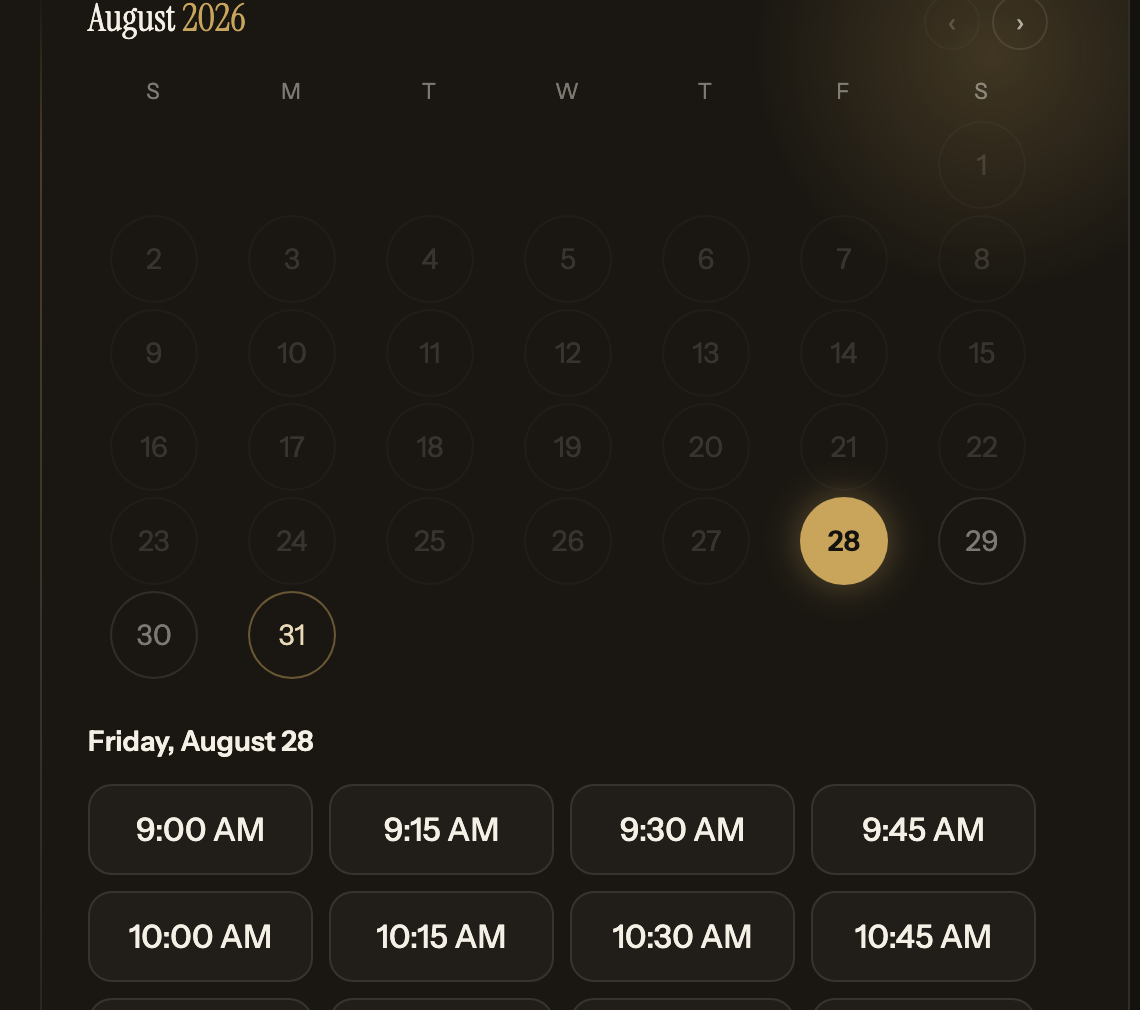
The booking was never the hard part.
Picking a time is easy. What takes the extra ten minutes is spinning up a meeting room, pasting the link into the invite, and hoping everyone finds it when the hour arrives.
Built in, not bolted on
The room comes with the time.
When someone books you, the call is created with it. Your guest joins from a link in their confirmation email, with no account to make and nothing to install. You join from your dashboard.
Calls run directly between the two of you where the network allows, and fall back to a relay when it does not, so a strict office firewall does not end the meeting before it starts.
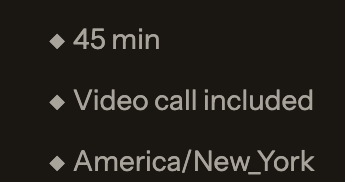
Every event type says so on the booking page, because it is true of every booking.
What you get
Enough scheduling, and no more.
Your own booking link
One page per event type, on a URL you choose. Run a 20 minute intro call and a 45 minute working session side by side, each with its own length and description.
Hours you actually keep
Set your weekly hours once, then override single days when a week goes sideways. Times are shown to each guest in their own time zone, not yours.
Google Calendar, both directions
Connect your calendar and anything already on it stops being offered. Confirmed bookings are written back to it, with the join link in the event.
Reminders that go out on their own
Choose a week, a day, an hour, or fifteen minutes before. Both sides get one, in their own time zone, without you remembering to send it.
Changes without the email thread
Guests reschedule or cancel from links in their own confirmation. Reminders follow the new time, or stop, on their own.
No double bookings
Two people clicking the same slot in the same second cannot both get it. The second one is told immediately and shown what is still open.
How it works
Three things, then you are done.
Set your hours
Pick the days and times you take meetings, and how long each kind of meeting runs.
Share your link
Put it in your signature, your profile, or a reply. Guests see only real openings.
Show up
The booking, the reminders, and the call room are already handled. Open the call and start.
Availability that tells the truth.
An open slot is only shown if it is genuinely open. Your weekly hours set the outer edge, existing bookings come out, and anything on your connected Google Calendar comes out too.
That includes the meetings you never made through here. A guest sees what is left, in their own time zone, which is the only version of your week that is any use to them.
Before you start.
What does it cost?
Nothing right now. It is free while it is new, and there is no card to enter to try it.
Do my guests need an account?
No. They open your link, pick a time, and enter a name and email. Joining the call needs nothing more than the link in their confirmation.
Do I have to use the video call?
No. It is there on every booking if you want it. If you would rather meet somewhere else, ignore it and use the booking on its own.
Which calendars can it read?
Google Calendar today. Connecting one is optional, and everything else works whether or not you do.
What happens when I am double booked elsewhere?
If the conflict is on a connected calendar, the slot is never offered. If two guests race for the same slot here, only one can win it.
Can guests change the time?
Yes. Every confirmation carries its own reschedule and cancel links, so it does not come back to you as an email to answer.
Put your week behind one link.
Set your hours, share the page, and let the calls take care of themselves.
Free while it is new. No card required.